
Create a shared room
Start by creating a room for your shared home, apartment, dorm, or group.

Shared bills, settled clearly.
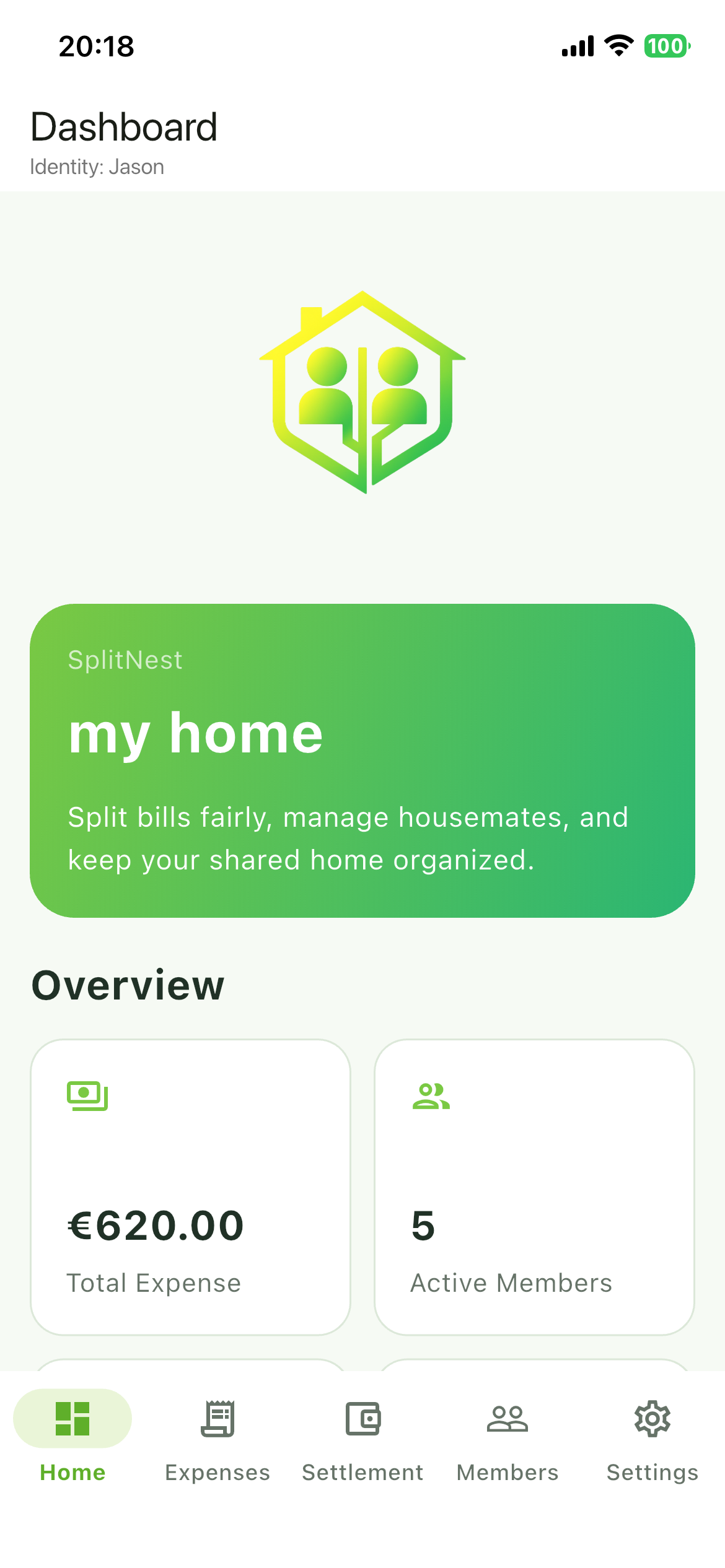
SplitNest is a roommate expense sharing app that helps housemates track shared expenses, manage members, view settlement results, and confirm payments clearly.
SplitNest is available on the App Store. Google Play availability can be added when announced.
SplitNest helps roommates track shared expenses, manage members, view settlement results, and confirm payments clearly.
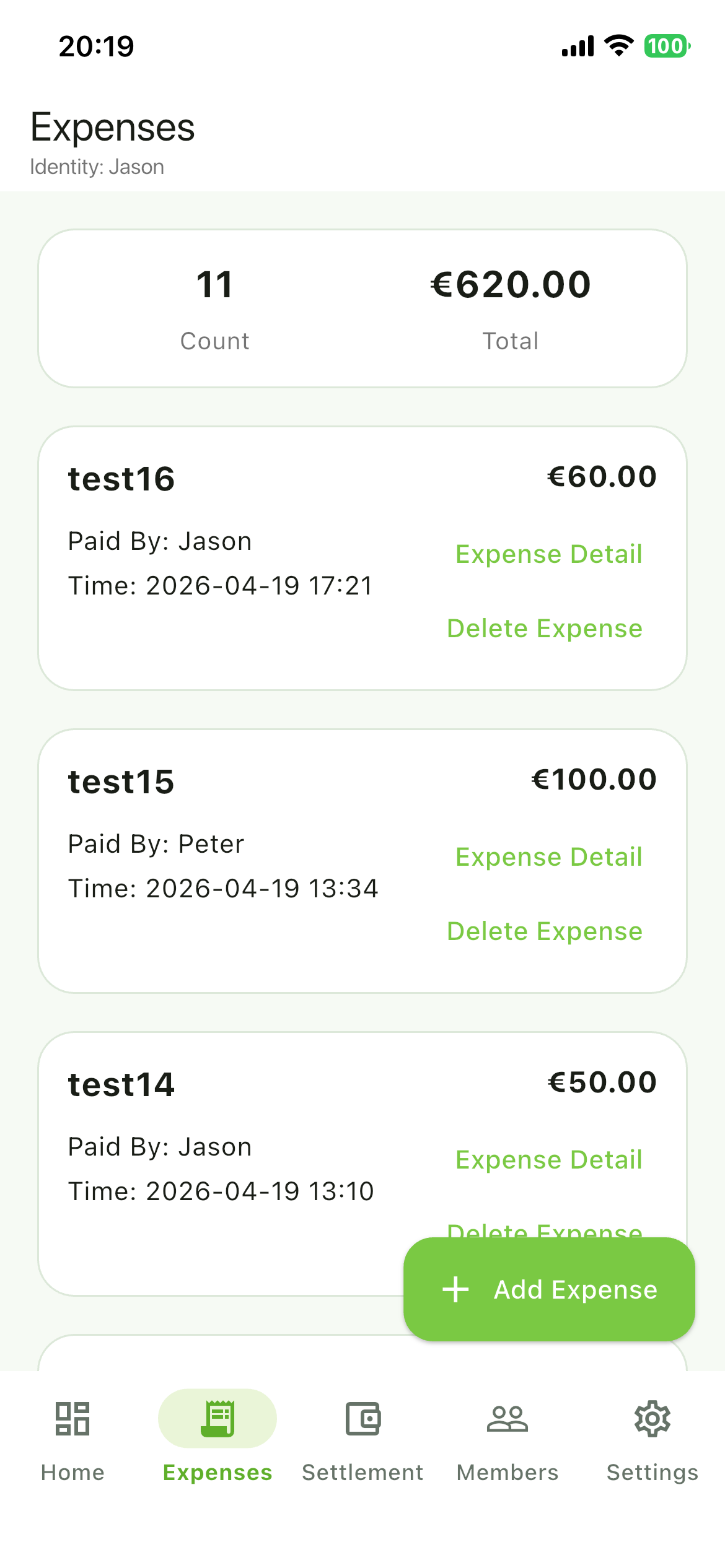
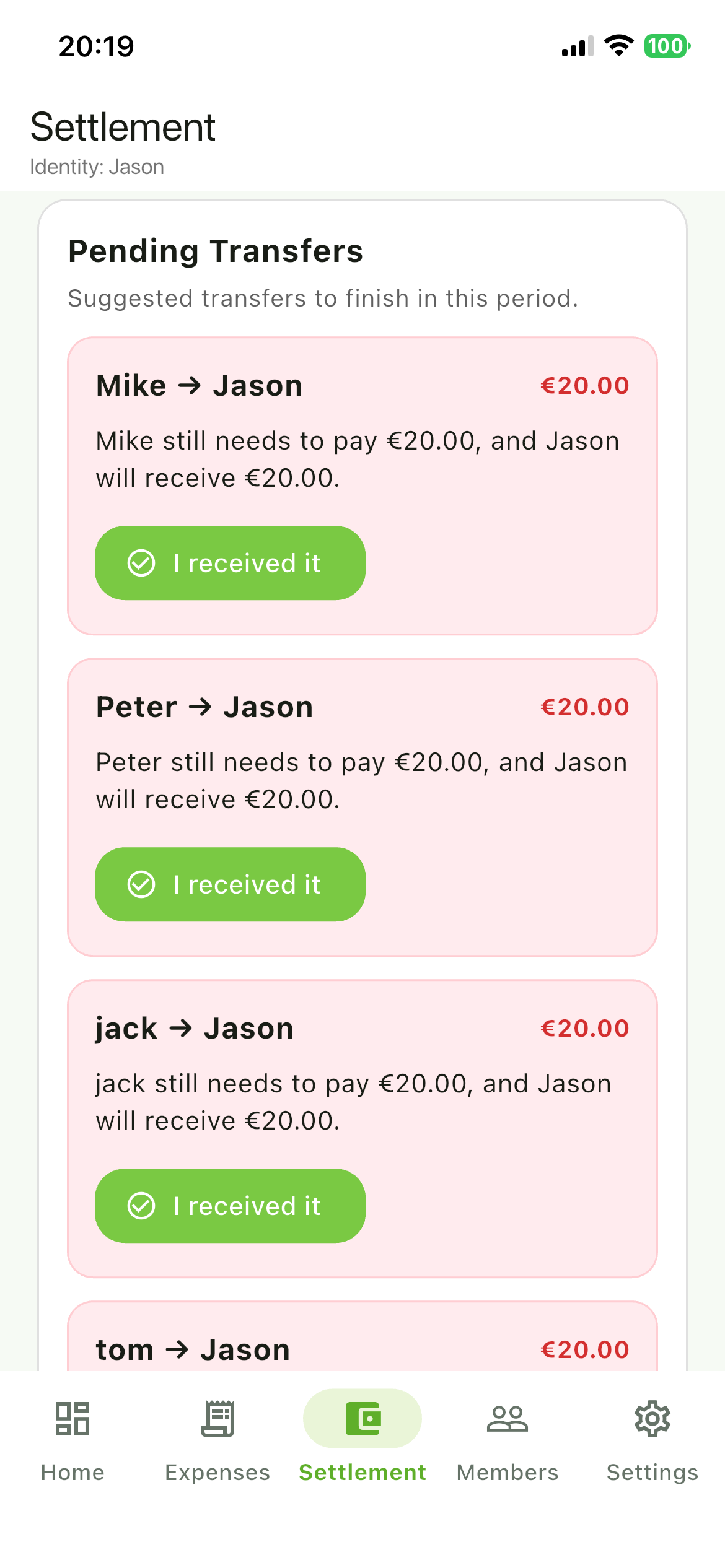
This is the longer phone-recorded operation video, about 2 minutes and 19 seconds. It shows shared room setup, shared bill tracking, member management, settlement results, and payment confirmation.
Watch Operation VideoThis is the short AI-made promotional video, about 15 seconds. It introduces the basic value of SplitNest quickly for social media viewers.
Watch Short Promo VideoStart by creating a room for your shared home, apartment, dorm, or group.
Add housemates and keep everyone organized in one shared space.
Record rent-related costs, utilities, supplies, groceries, and other shared bills.
See clear settlement results so everyone knows who owes whom.
Keep payment confirmation clear and reduce confusion between roommates.
Members can join the room with a Room ID and view expense records and settlement details.
SplitNest handles shared room, member, expense, settlement, and payment confirmation records according to its Privacy Policy.
Need help with SplitNest? Contact us at support@letsshinestudio.com and include your device model, system version, app version, and a short description of the issue.